
Fun Fact: Selling on Cargo is as fun as a shopping spree! It’s a chance to share your passion for fashion, turn heads, and make a statement.
It’s a platform where your creative expression meets entrepreneurial spirit, and every sale is a celebration of your unique style. So, gear up, showcase your fabulous finds, and join the Cargo revolution today!

1. Download the App
First things first, head over to the App Store (available for iOS and Android) and download the Cargo app. Trust us; it’ll be your new fashion BFF!
2. Apply to Sell
Register an account and unleash your selling power by hitting the + button to apply as a seller. We can’t wait to have you join our vibrant community of independent designers and vintage resellers.
3. Add Your First Item
Once your application has been approved, it’s time to add your first item by clicking the + button again followed by ‘Add A New Item For Sale‘.
Remember, a picture is worth a thousand sales, so include high-quality photos.

4. Bring Your Listing to Life with a Captivating Video
The main feature of Cargo – the video!
🎥 Show off your designs, take us behind the scenes creating the outfit, or even weave an exciting storyline. Let your personality shine, and watch the magic happen!
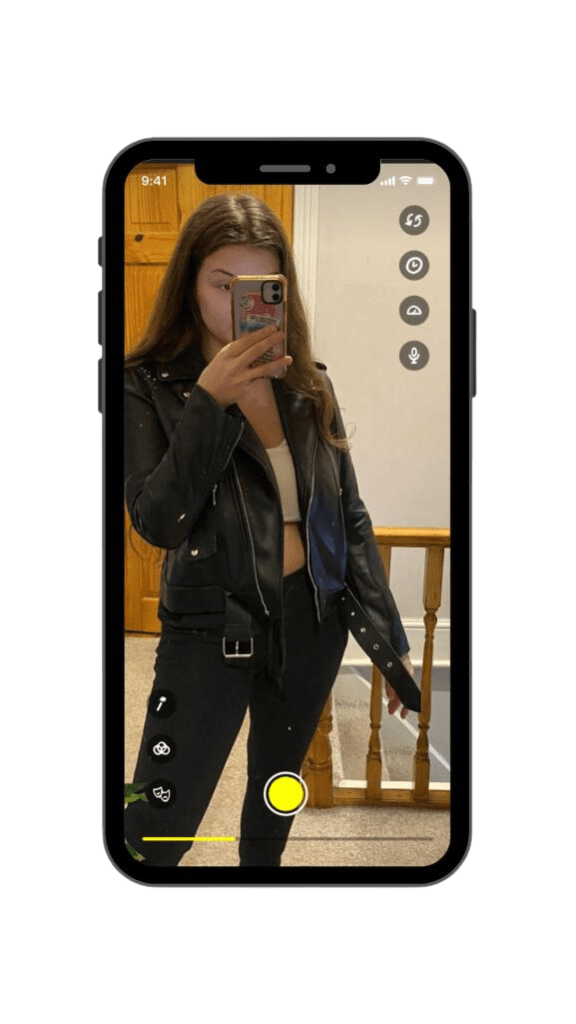
📸 Video Tip #1 : Edit your videos before uploading! As this current version of the app only supports instant uploads, ensure your footage is flawlessly edited and picture-perfect beforehand.
📸 Video Tip #2 : Already have videos posted on your Instagram Reels or TikTok? Re-post them on Cargo! Just make sure there’s no TikTok watermark 🙂
5: Share Your Cargo on Social Media and Unleash Your Influence
Spread the word and amplify your sales potential by posting the link to your Cargo on your other social media channels.

✨ Here’s the exciting part ✨
If the buyer comes via your link, you pay zero commission! That’s right – selling on Cargo is free when you share your link. So, rally your friends, followers, and fashion enthusiasts to your stylish corner of the app.
 Cargo
Cargo 