
At Cargo, we understand the importance of providing a seamless shopping experience for both sellers and buyers.
By securely linking your preferred payment methods, such as credit cards or digital wallets, you can enjoy convenient one-click purchases and seamless transactions
Add Payment Method
By clicking the Account ⚙️ button at the bottom, you are able to add your preferred payment method when using the app.
Select *Add new payment method
- Card Details
- Billing Address
- Country
You can also use Apple or Google Pay when shopping on Cargo!
Cargo Wallet
The Cargo Wallet serves as a centralized hub within the app where users can accumulate their earnings.
Sellers have the convenience of transferring their earnings directly to their bank account, ensuring a seamless and efficient payout process.
The transfer time from your Cargo Wallet to your personal bank account is dependent on your bank’s processing timeframe.
Buyers can utilize their wallet balance by earning rewards and receive discounted purchases within the app.
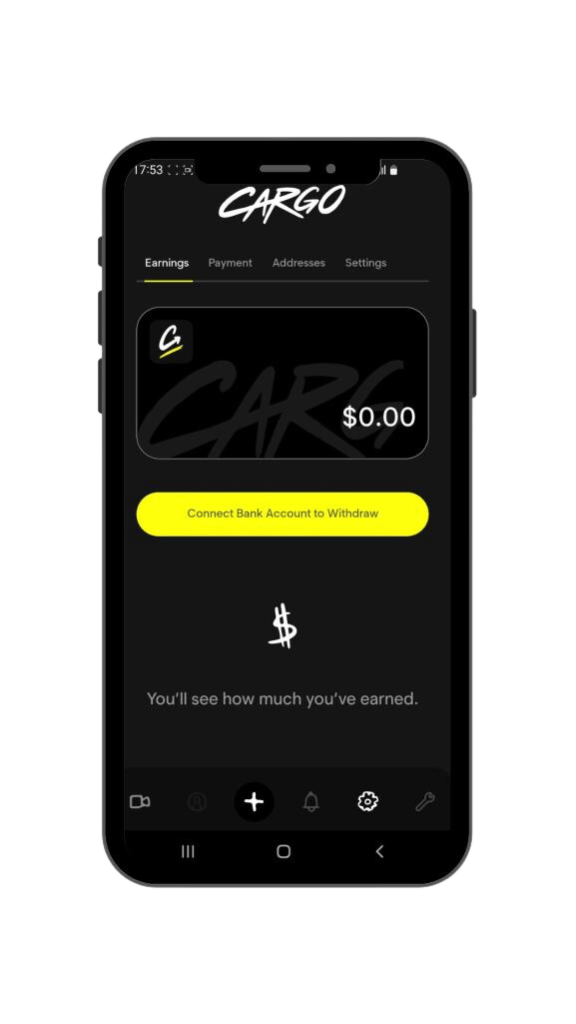
How Do I Get Paid?
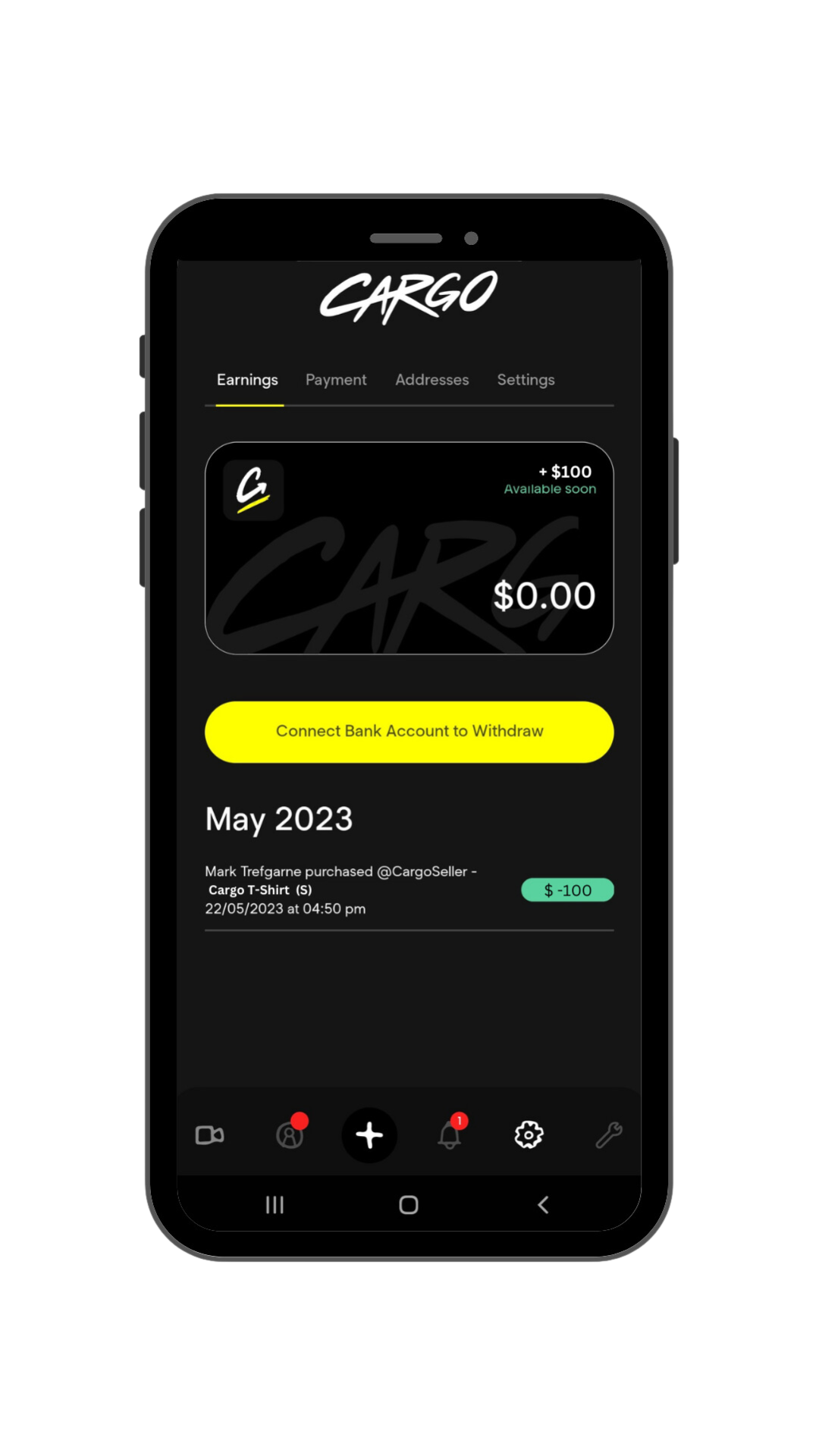
Right after you have made a sale, you will receive the pending transaction in your Cargo Wallet showing +$ Available Soon at the top right corner.
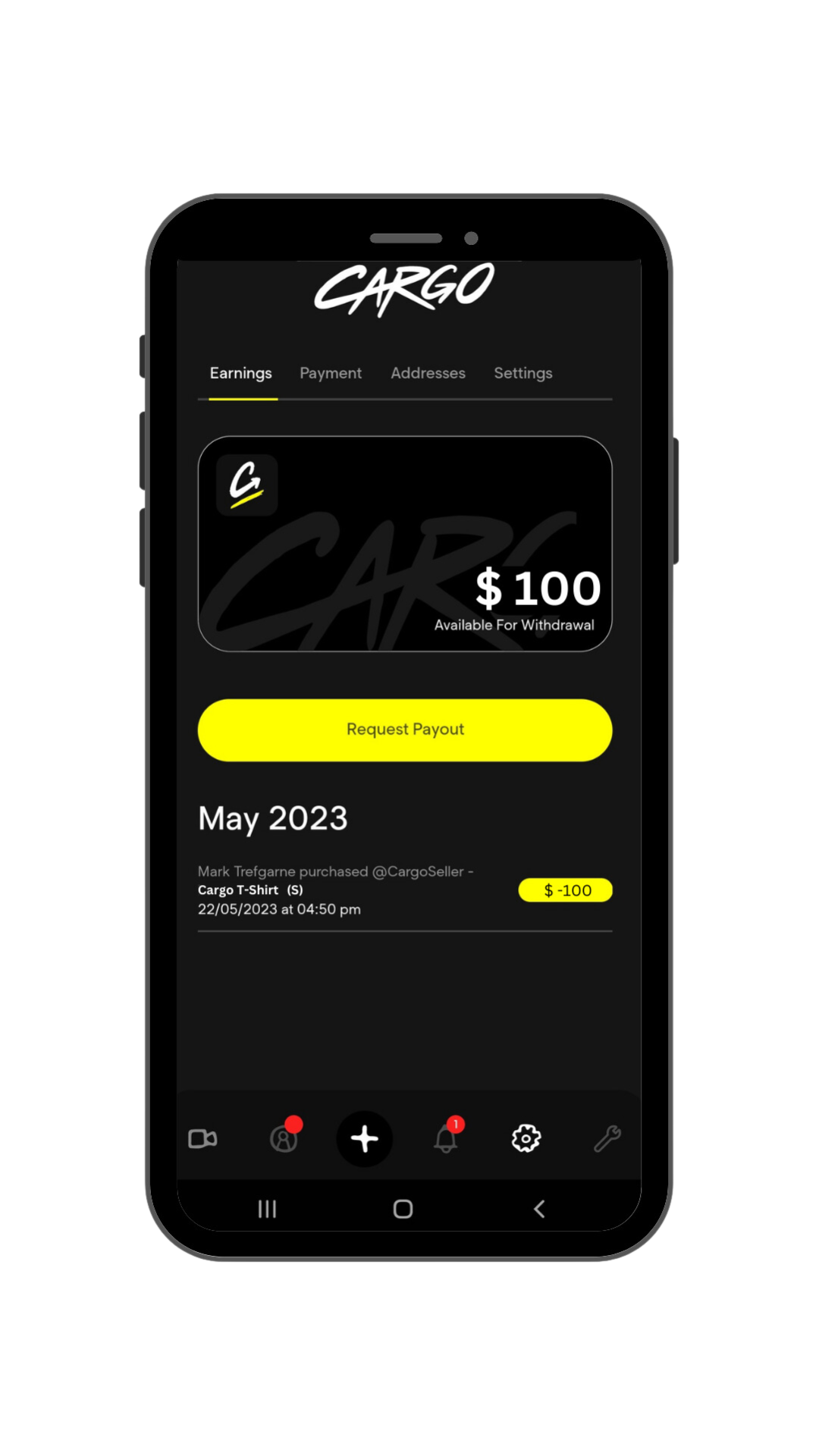
Once the item has been shipped and has the status updated to ‘in transit’, the money will be fully available in your wallet for you to cash out.
Can I Cancel & Refund An Order?
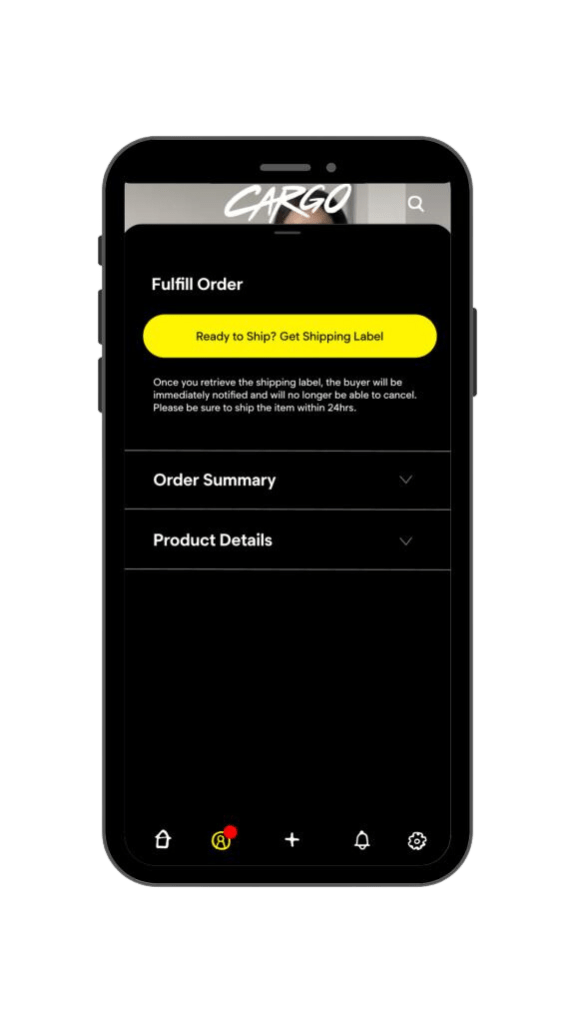
You can cancel the order under ‘Order Summary‘, followed by ‘Cancel Order’.
 Cargo
Cargo 